
Disable System Integrity Protection Temporarily
- Published on
- Published on
- /1 mins read/––– views
Some software may be damaged
Apple could not verify "iproxy" is free of malware that may harm your Mac or compromise your privacy.
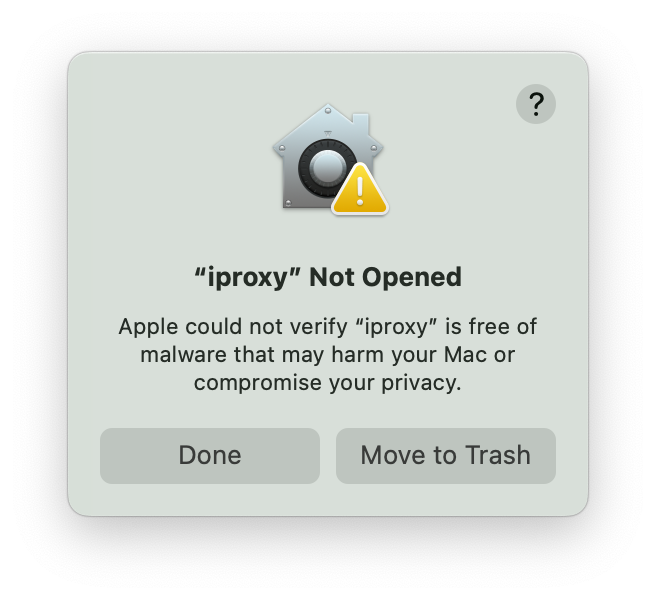
System Integrity Protection (SIP) is a kernel protection mechanism designed to prevent malicious tampering with the system kernel programs.
Even the root user is restricted from modifying certain directories, such as:
/System
/bin
/sbin
/usr (except for /usr/local)
For some software, installing numerous modules may occasionally infringe upon these protected areas.
Therefore, it is possible to manually disable this feature;
However, this action introduces vulnerabilities to the system, necessitating caution during use.
Disable SIP
To disable SIP, do the following:
-
Restart your computer in Recovery mode.
-
Launch Terminal from the Utilities menu.
-
Run the command
csrutil disable. -
Restart your computer.
Enable SIP
Disabling and Enabling System Integrity Protection
Some Apps In Applications Folder may be damaged
"pyTranscriber-v1.9-mac.app" is damaged and can't be opened. You should move it to the Trash.
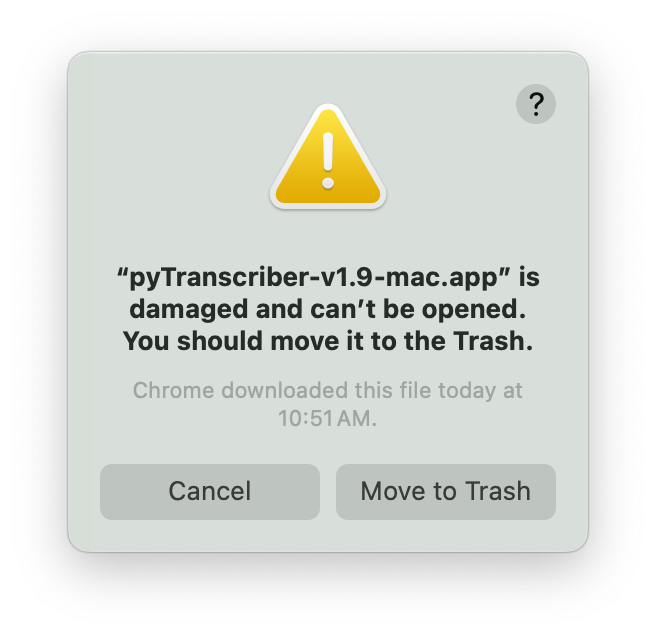
in yout terminal, run the following command to remove the quarantine attribute from the app:
sudo xattr -d com.apple.quarantine /Applications/xxxx.app